
Project
black
black.snowmaker.io →The brief wrote itself one evening. A film on the main screen, and on the second a chat window, a white document and a clock, lit up in the corner of my eye. Switching that monitor off is not the answer: Windows notices, shuffles every window onto the remaining screen, and puts them back wrong when it returns.
For a few films the answer was a picture: Black.png from Wikimedia Commons, opened on the second monitor. Finding it was harder than it has any right to be. Try asking Google for one plain, f***ing black background: it returns almost everything except that. Even then, F11 does not make it fill the screen; the browser draws a black square on its own image-viewer backdrop. It worked well enough to prove the idea, and badly enough to make a page worth building.
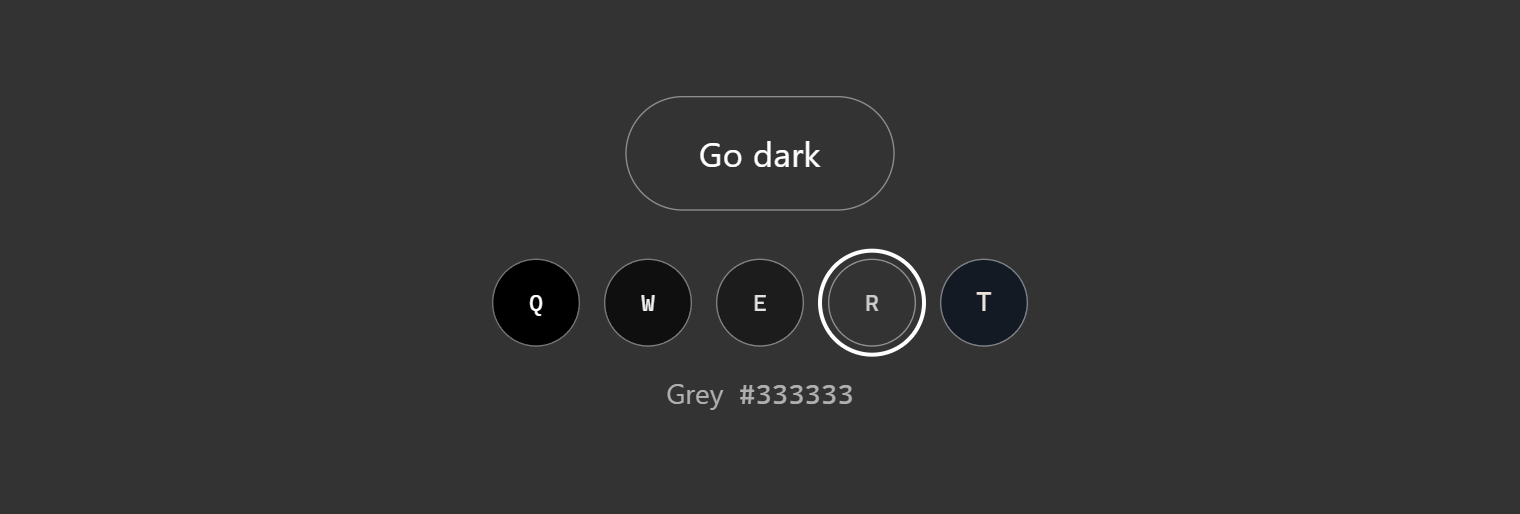
So the screen stays on and is given nothing to show. The page goes fullscreen in a single colour, hides the cursor once it stops moving, and lets go on Esc or a double-click. There are four shades from black to grey and a picker, because pure black next to a bright film is its own kind of glare, and the page repaints as you choose, so it is its own preview. Q to T pick one and go.
Then the obvious inversion: leave the page on the screen you are watching and darken every other one from there. Chromium has a Window Management API for exactly that, and it gets most of the way. A page may place windows on other screens, with permission, but it may not make any window fullscreen except itself. So each cover opens with a title bar and waits for one click. That is the browser drawing a line on purpose, and the page says so rather than pretending otherwise.
const win = window.open(
  `/cover/?color=${encodeURIComponent(color)}`,
  '',
  `popup,fullscreen,left=${screen.left},top=${screen.top},width=${screen.width},height=${screen.height}`
);
OtherScreens.tsx – one cover per screen, placed by coordinates the page is only allowed to see with permission.
It also worked perfectly on localhost and not at all in production. Brave blocks fingerprinting by hiding the real screen layout from sites, which is the right call (a multi-monitor setup is about as identifying as hardware gets), and localhost is simply exempt. The fix was one sentence telling Brave users which toggle to turn off.
It was built in one sitting by directing a coding agent through it, from the first file to the deploy. The agent wrote the code. The calls about what the thing should and should not do were mine, and most of the sitting went on those.